 Rovelanto
Designing a replacement pet-bed cover program
Plan cover-only SKUs, compatibility markings and reorder records that help retailers sell the right replacement cover.
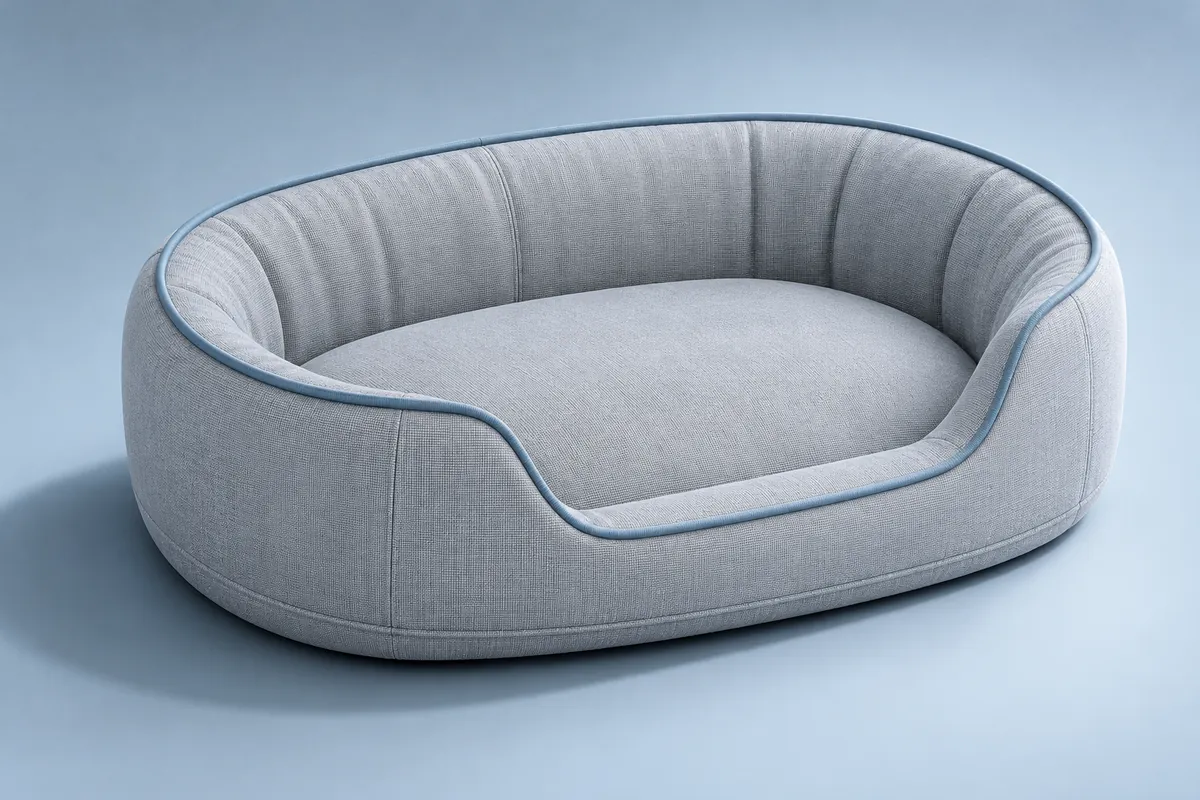 Illustrative collection concept
Give each cover a compatibility identifier tied to the actual insert geometry, and make it easy for a customer to find.
Start with what must still fit next year
A replacement cover program can fail even when the new cover looks identical in the catalogue. If the insert corner radius, bolster height or zipper path changes, an older bed may no longer accept it. List the interfaces that determine fit and assign the design a compatibility identifier. Link that identifier to the bed and cover in the product master. A marketing name such as Large is still useful for shopping, but it cannot tell a buyer whether the design changed between seasons.
Retain one known insert for each compatibility group. When you develop a new cover, sample it against the retained insert as well as the latest version. If a replacement is intended to fit several revisions, record exactly which combinations were tried.
Define the cover-only order separately
On a design with a separate centre pad and bolster cover, show both components and list what the package contains. Decide where the compatibility identifier appears on the bed, the package and the online listing. Instructions for locating it should work for someone who no longer has the original box. Ask the channel to map cover variants against compatible bed variants before artwork is released. Use the same naming on carton records and customer-facing data.
| Field | Example entry | Why it matters |
|---|---|---|
| Compatibility group | Bolster A, size 02 | Connects the listing to the insert geometry |
| Variant code | A-02 / graphite | Distinguishes finishes without changing fit |
| Pack contents | Outer cover and centre-pad cover | Prevents a missing-component expectation |
| Exclusions | Insert sold separately | Sets an expectation before checkout |
Plan for uneven replacement demand
Replacement demand need not mirror complete-bed demand. A colour may sell well as a complete bed while customers choose another when replacing a worn cover. Use retailer feedback and actual sales once available to revise the assortment. When you launch with limited information, agree how to handle slow variants and which material colours can be reordered on the same construction. Ask the supplier to separate fabric minimums, finished cover minimums and packaging minimums. Those are different constraints when deciding whether to replenish a colour.
Check the listing as carefully as the sample
Have a colleague identify the correct cover for a mock customer who owns an earlier bed. Give them only the information a customer could see: the tag on the bed and the current listing. If they have to guess from the photograph or rely on “medium,” change the listing and packaging before launch. File approved drawings, fit records, the SKU map and the instructions together. If you discontinue compatibility, give customer service a list of affected versions and options actually available. For a new colour, keep the identifier unchanged only if the geometry and fit review support that decision.
General product-development guidance. Confirm the selected construction, test scope and destination-market requirements for your project.
Editorial policy